
Self-timer
Delay the capture so you can open the menu you actually wanted to show.
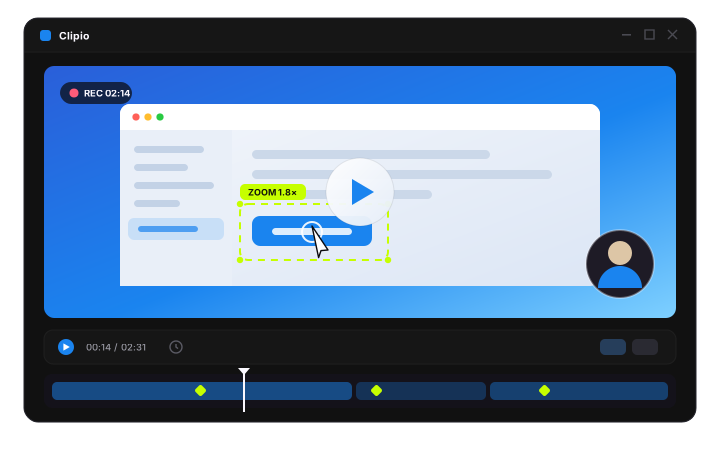
Clipio turns a plain screen capture into something that looks edited — auto-zoom that follows your clicks, cursor motion with real physics, annotations you draw while recording. No editor required.
No account, no cloud, no watermark
“I stopped opening a video editor entirely. Record, glance at the zooms, export. That's the whole workflow now.”
It feels like 8 apps in one.
Everything runs on your machine. Nothing is uploaded, nothing phones home, and there is no monthly bill waiting for you.
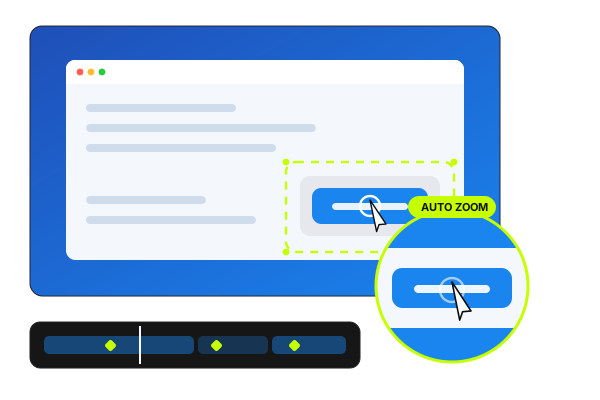
Get the full listThe feature everyone notices first. Clipio watches your clicks and dwell time, then eases in on whatever you're actually pointing at — and eases back out when you move on. Scale, duration and sensitivity are yours to tune.
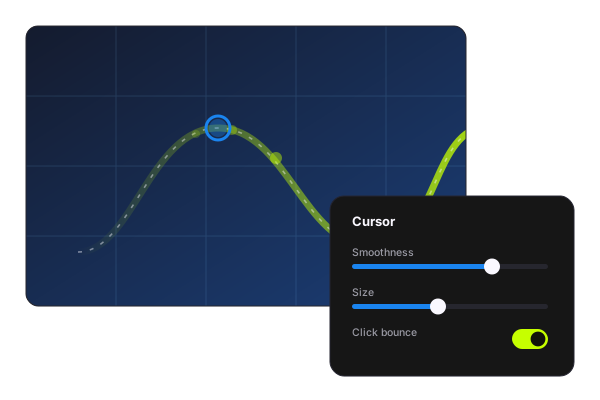
A raw mouse path is jittery and it makes a tutorial look amateur. Clipio runs your cursor through a critically-damped spring, so it glides, leans into turns and bounces on click — the difference between “screen capture” and “motion design”.
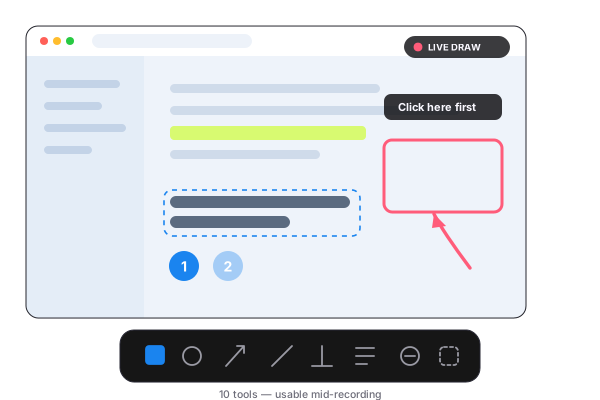
Ten annotation tools that work on the live screen, mid-recording — not just on a screenshot afterwards. Circle the button as you say “click here”, blur the invoice before it's ever written to disk, and keep every mark editable in the timeline later.
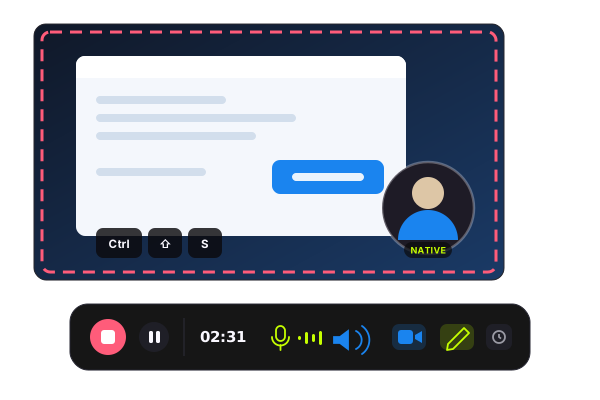
Full screen, a single window or any region you drag. Recording starts in under a second and keeps mic and system audio on separate tracks, so you can still rebalance them at export time instead of re-recording.
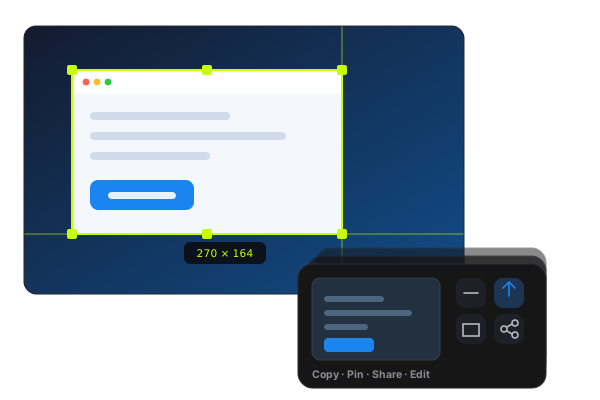
Grab an area, a window or the whole display, and the shot lands in a quick card instead of interrupting you. Copy it and carry on, or pin it as a floating, click-through reference that stays above every other window.
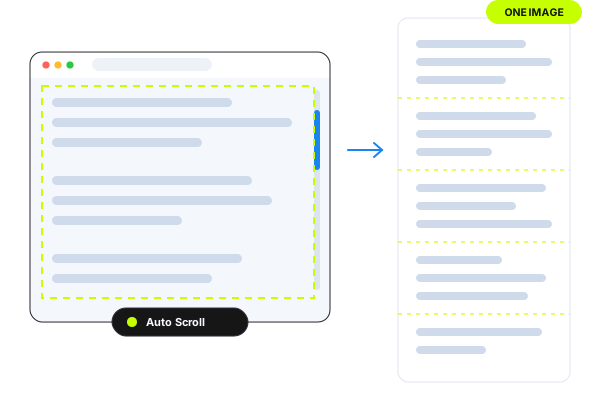
Need the whole page, not the part that fits? Start the capture and scroll — or let Auto Scroll do it — and Clipio stitches the frames into one tall, seamless image. It matches on row signatures, so it works in apps that have no idea it exists.
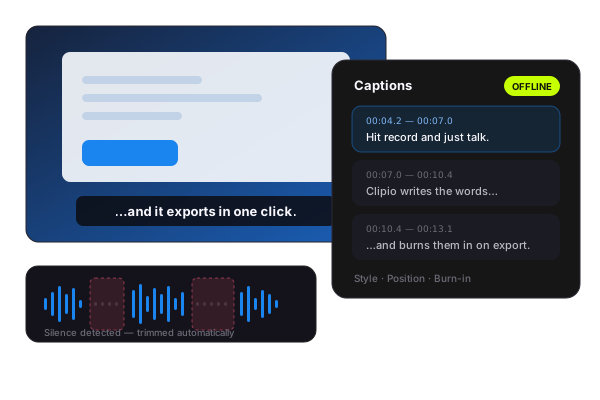
Speech-to-text runs locally after a one-time model download — your audio never leaves the machine. The same voice-activity pass finds the silences where you were reading your notes, and offers to cut them.
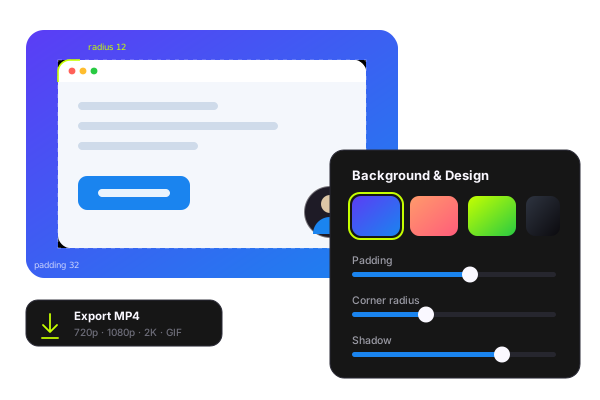
Drop the recording onto a gradient, a solid, a wallpaper or your own image, then dial in padding, corner radius and shadow until it looks like it came out of a design tool. Export is FFmpeg underneath, so it's fast and the file plays everywhere.
Delay the capture so you can open the menu you actually wanted to show.
Pick any display, including mixed-DPI setups, and capture it at native scale.
Pull selectable text out of any screenshot with on-device OCR.
Drop a folder of cursor skins or wallpapers in and Clipio picks it up.
Every take kept with a thumbnail, reopenable with its effects intact.
Hardware capture and an FFmpeg export path — no browser sandbox in the way.
Early users, mid-workflow.
Here's what they're saying.
“The zoom is the whole thing. My course videos used to need an hour in Premiere just to make the UI readable. Now they don't need Premiere at all.”
“Drawing on the screen mid-recording sounds like a small thing until you've recorded 40 bug repros. It cut my re-takes to about zero.”
“Offline was the deciding factor. I record internal tooling all day and nothing I capture is allowed to touch someone else's server.”
Yes. The current release is free and unrestricted — no watermark, no time limit, no account. A paid tier is planned much later for team-oriented features; everything described on this page stays in the free app.
No. Recording, editing, captions, OCR and export all run on your machine. There is no cloud upload path in the app at all — which is also why there's no link-sharing feature.
Windows 10 or 11, 64-bit. Multi-monitor and mixed-DPI setups are supported. Captions need a one-time model download the first time you enable them.
Not today. Clipio is built for Windows first, which is where the good recording tools have been thinnest on the ground.
Yes. Zoom keyframes, cursor settings, annotations, captions and background styling all stay editable on the timeline, and you can reopen an old recording from the library with its effects intact.
Free, offline, and about 60 seconds from download to your first zoom.
New features and releases. No spam, we promise.